Blog
Aleksanteri Aho
Lead developer at Katja Song.
The best figure skating music cutting tools, compared
Cutting music for a skating program is its own small craft. You are joining sections so the seams disappear, hitting an exact competition time limit (often with only a plus or minus 10 second margin), and making sure the file still sounds right on a mono rink system, which behaves nothing like your headphones. This can also be done with our Free Katja Music Master Tool.
The tools below run from free DIY audio editors to a done-for-you service. There is no single best one. It comes down to your budget, your platform, and how much of the work you want to do yourself.
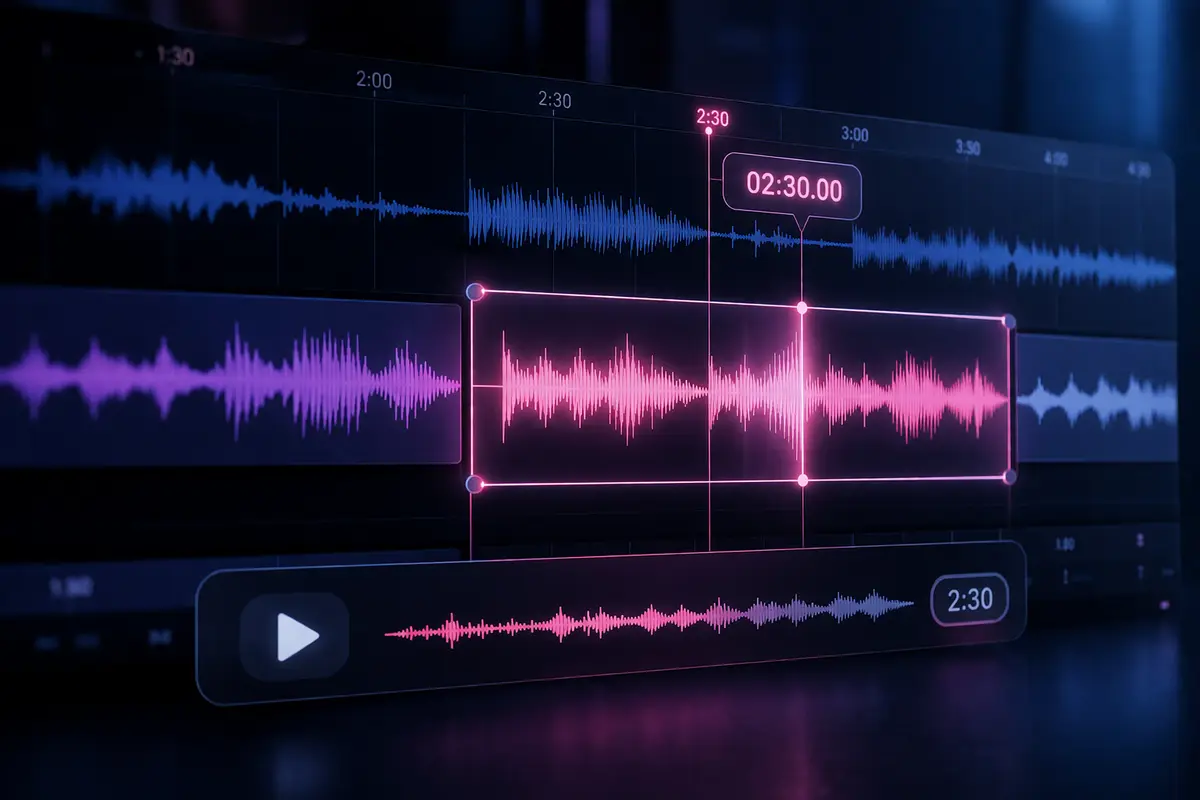
Best figure skating music cutting tools
Audacity
Free · Win / Mac / Linux
Pros: Free, open source, well documented, and good enough for cuts, fades, tempo changes, pitch changes and mono export.
Cons: The interface feels dated. Crossfades take fiddling, and you do the whole cut yourself.
Adobe Audition
Subscription · Win / Mac
Pros: Strong crossfades, spectral repair, noise cleanup and multitrack mixing.
Cons: Expensive if you only cut music once or twice a season. It also takes time to learn.
GarageBand
Free · Mac / iOS
Pros: Free on Apple devices, friendly to beginners, and useful for blending multiple tracks.
Cons: Apple only. It is built for making music, so exact competition timing and export settings take extra effort.
Logic Pro
~$199 one-time · Mac
Pros: A full pro DAW with excellent editing tools and a one-time price.
Cons: Mac only, expensive, and more software than most skating music cuts need.
Reaper
~$60 licence, free trial · Win / Mac / Linux
Pros: Cheap, lightweight, flexible, and respected by audio editors.
Cons: The default layout is not beginner friendly. Expect setup time before it feels comfortable.
Ocenaudio
Free · Win / Mac / Linux
Pros: Simpler than Audacity, with live effect previews and a cleaner interface.
Cons: Better for basic edits than complex multi-section mixes.
WavePad
Freemium · Win / Mac / mobile
Pros: Easy basic cuts and fades. The mobile apps are handy in a pinch.
Cons: The free tier nags, useful features can be paywalled, and licensing gets confusing.
FL Studio
From ~$99 · Win / Mac
Pros: Powerful if you want to remix, layer instruments or build a more produced track.
Cons: Expensive and overbuilt for a simple competition cut.
mp3cut.net / Audio Trimmer
Free · Browser
Pros: No install, fast, and fine for simple trims or fades.
Cons: Not enough control for clean crossfades, mastering or detailed skating cuts. You also have to upload your audio.
 Katja
Katja
Free to start, pay per cut · Browser, any device
- Pros: No software to learn. Real editors cut to your exact competition duration, most cuts come back in under 24 hours, you preview before paying, and one revision is included.
- Cons: The final download is paid. It is not a hands-on DAW, so you get less millisecond-level control.
Where Katja fits in
If you would rather not learn a DAW, or you have tried and want a cleaner result, Katja is a browser-based service built for competition music. You upload your songs, put them in order, and set your target competition duration, and real editors make the cut. You preview before you pay, a free revision is included, and most cuts come back in under 24 hours. It usually costs less than commissioning a traditional editor and turns around faster, and an editor still does the actual work so you do not have to.
A few skating-specific tips, whatever you use
- Export your final file in mono. Most ice rinks, and plenty of gym and pool systems, play in mono and are often wired imperfectly, so a stereo mix can make instruments drop out on the day.
- Stay inside the plus or minus 10 second window. Land the cut comfortably within your category's allowed time rather than on the edge, so a small slip does not cost a deduction.
- Start from good source audio. A WAV from a CD (44.1 kHz, 16-bit) is ideal; a high-quality MP3 around 220 kbps or higher is fine. You cannot un-blur a low-bitrate file.
- Think about the ending. Easy to use does not mean good results, and a lot of editors dislike fade-outs. A clean musical stop usually reads better than a fade that trails off.
Key takeaways
- There is no single best tool. Pick based on your budget, your platform, and how much of the editing you actually want to do yourself.
- Free editors like Audacity and Ocenaudio cover basic cuts and fades. The paid DAWs (Audition, Logic Pro, Reaper, FL Studio) give you more control but cost money and take time to learn.
- Browser trimmers like mp3cut.net are quick, but they cannot do clean crossfades or a proper rink-ready master alone.
- Whatever you use, the two things that matter most are the same: start from good source audio, and end on a clean stop rather than a fade.
- If you would rather brief someone than learn software, Katja does the cut for you and lets you preview it before you pay.
Whatever route you take, the goal is the same: a clean, rink-ready cut that fits your category's time limit and lifts the program. Katja is there for skaters, gymnasts and dancers who would rather brief an editor and skip the software. You can start a cut and preview it before you pay.
Sources and image credits
- Patrick Blakley, Figure Skating Music Editing
- Golden Skate forum, Skating Music Editing Programs
- Ice Cut Music, about
- Edge IQ Skating, Program Music Editing
- Application screenshots via Wikipedia and Wikimedia (Audacity, Adobe Audition, GarageBand, Logic Pro). Tool icons via the public favicon service. Logos and screenshots remain the property of their respective owners.